Einführung in das Fenstersystem
After starting Blender and closing the Splash Screen, the Blender window should look similar to the image below.
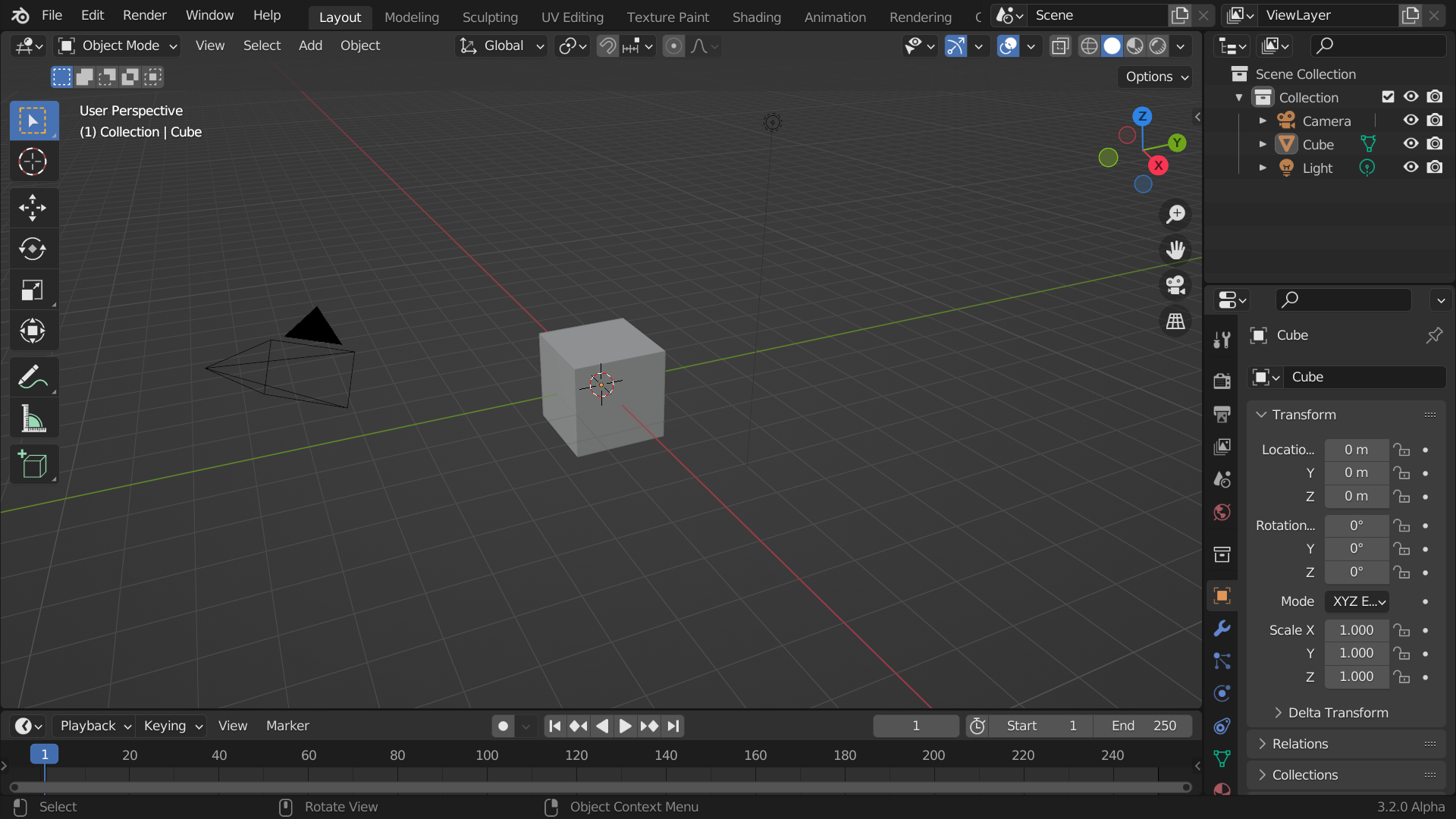
Das voreingestellte Startfenster von Blender.
Blenders Oberfläche ist in 3 Hauptbereiche eingeteilt:
Die Menüleiste am oberen Rand.
Die Bereiche in der Mitte.
Die Statusleiste am unteren Rand.
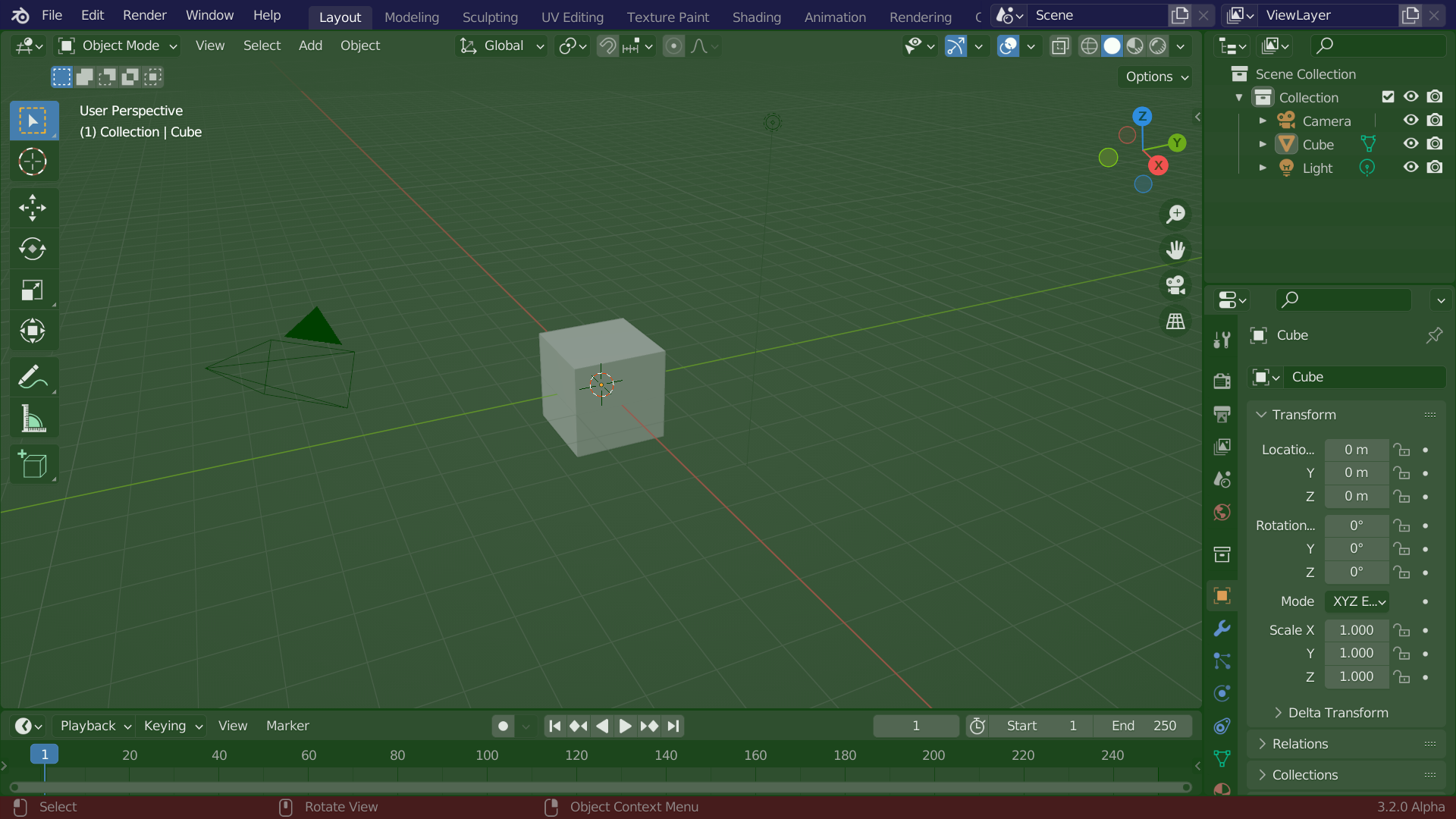
Blenders voreingestelltes Bildschirmlayout. Menüleiste (blau), Bereiche (grün) und Statusleiste (rot).
Anpassung
Blender stützt sich stark auf Tastaturkürzel, um die Arbeit zu beschleunigen. Diese können im Keymap-Editor angepasst werden.
Farbschema
Blender allows for most of its interface colors to be changed to suit the needs of the user. If you find that the colors you see on screen do not match those in the Manual, it could be that your default theme has been altered. Creating a new theme or selecting/altering a pre-existing one can be done by opening the Preferences and clicking on the Themes tab.