Nút Viền Khung (Frame Node)
The Frame node is useful for organizing nodes by collecting related nodes together in a common area. Frames are useful when a node setup becomes large and confusing yet the re-usability of a Node Group is not required.
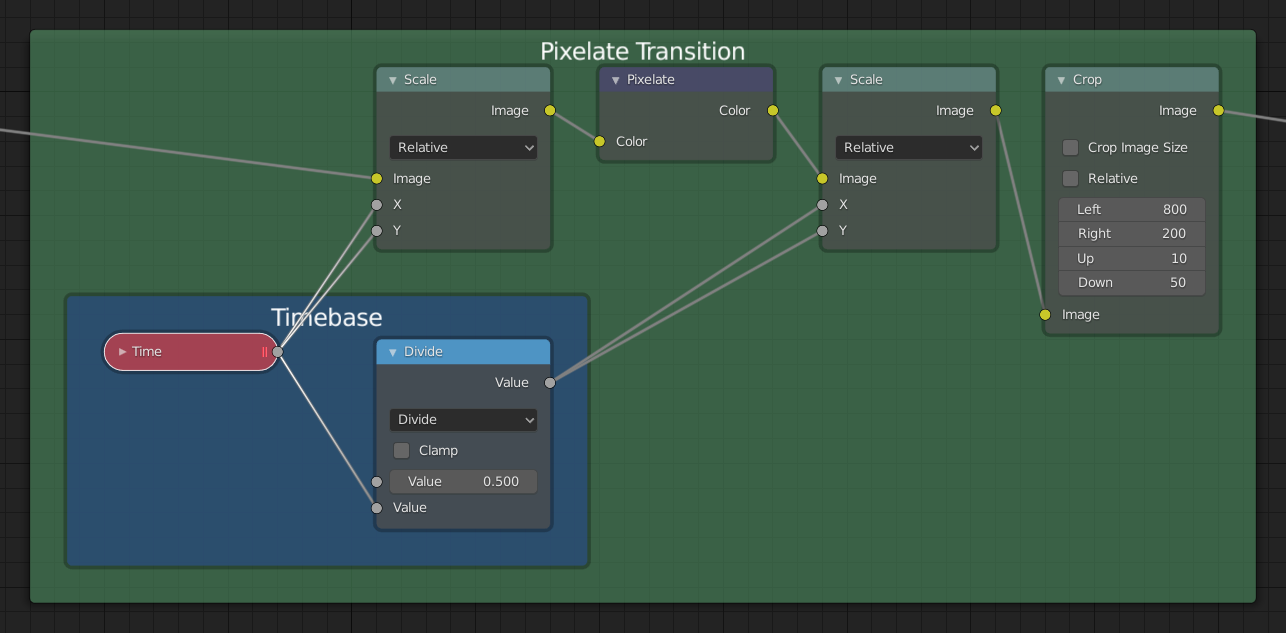
Tính Chất (Properties)

- Kích Thước Nhãn (Label Size)
Font size of the label. For example, for subordinate frames to have smaller titles.
- Co Lại (Shrink)
Once a node is placed in the Frame, the Frame shrinks around it so as to remove wasted space. At this point it is no longer possible to select the edge of the Frame to resize it, instead resizing occurs automatically when nodes within the Frame are rearranged. This behavior can be changed by disabling this option.
- Văn Bản (Text)
When you need to display more comprehensive text, frame nodes can display the contents of a text data-block. This is read-only, so you will need to use the Text Editor to modify the contents.
Biên Soạn (Editing)
Hội Nhập vào Khung Hình (Join in New Frame)
Tham Chiếu (Reference)
- Trình Đơn (Menu)
- Tổ Hợp Phím Tắt (Shortcut)
Ctrl-J
Make a new frame including the selected nodes.
Thêm vào Khung Bố Trí (Add to Frame)
Tham Chiếu (Reference)
- Tổ Hợp Phím Tắt (Shortcut)
Ctrl-P
Once a frame node is placed, nodes can be added by dropping them onto the frame or by selecting the node(s) then the frame and using Ctrl-P. This can be thought of as Parenting the selection to the frame.
Xóa khỏi Khung (Remove from Frame)
Tham Chiếu (Reference)
- Trình Đơn (Menu)
- Tổ Hợp Phím Tắt (Shortcut)
Alt-P
To remove nodes from a frame, select and use Alt-P. This can be thought of as unparenting the selection from the frame.