PDT Trigonometrical Waves#
The Menu for Trigonometrical Waves
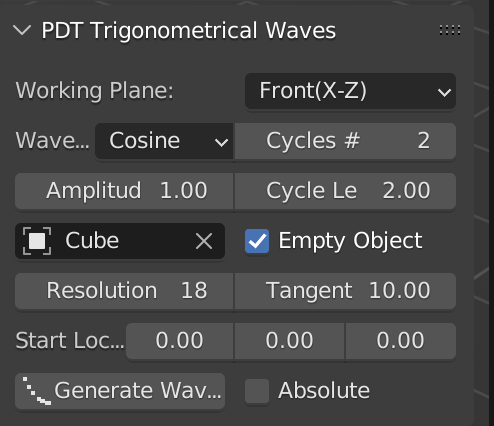
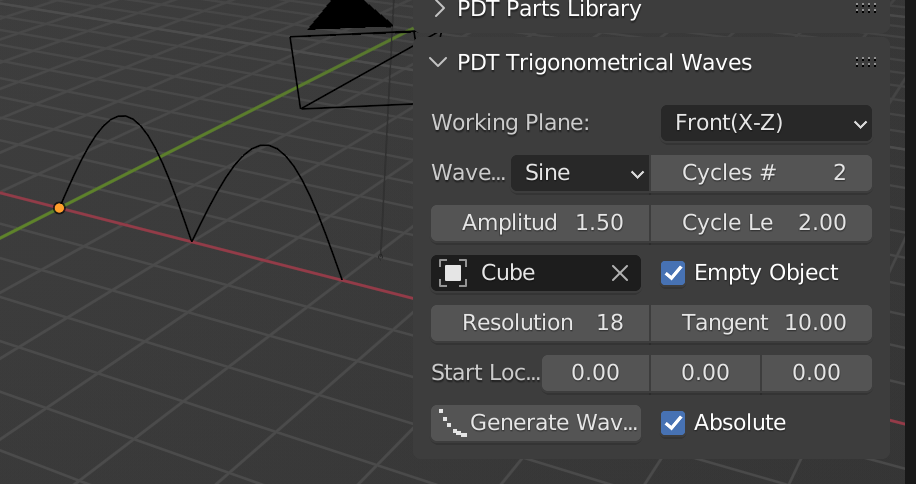
This section of PDT is used to generate Trigonometrical Waves in a selected Object.
In order to enable the Generate button, the use must first select
an object using the Object Selector box.
There are then a number of parameters that need to be set:
The
Working Plane- this is just a duplicate display of the main PDTWorking Plane.The
Wave Form- Sine Cosine, or Tangent.The number of
Cycles- each cycle is 180 degrees, NOT a full circle, so a value of 1 will result in one peak with a sine wave for example.The
Cycle Length- the length in blend file units of one cycle.The
Amplitude- the height of the wave.Whether to
Emptythe target object, set to true this will delete all vertices in the target object.The
Resolution- the number of vertices on one cycle.If you are generating a
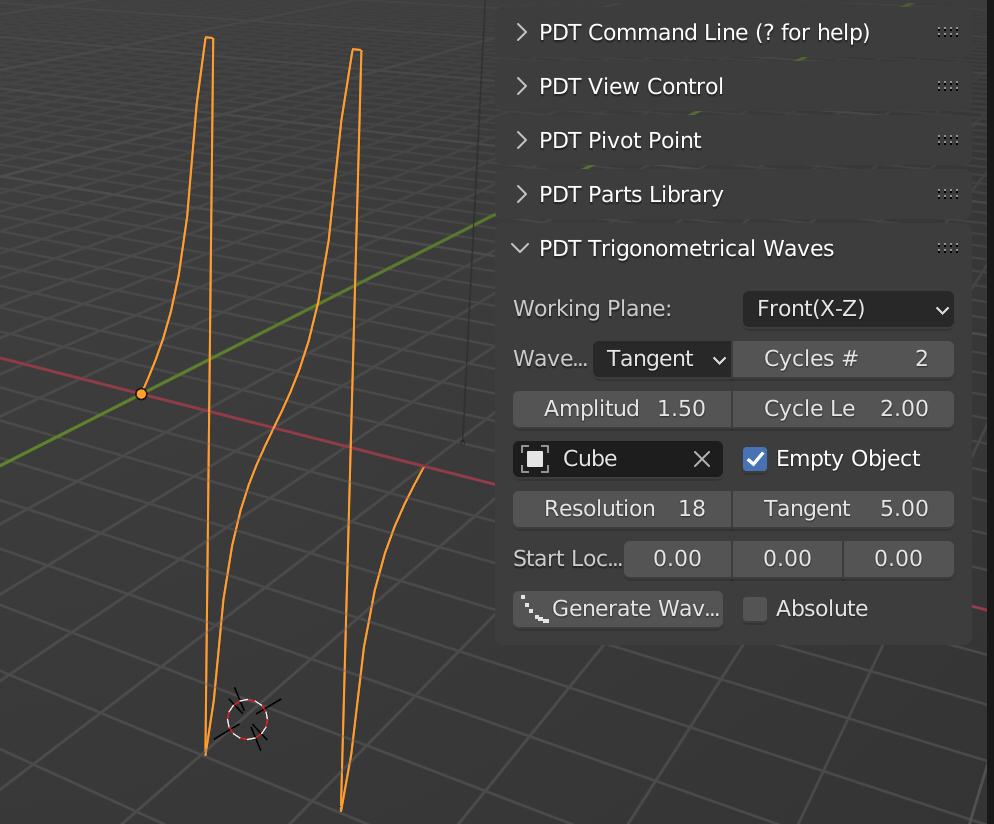
Tangentwave, the maximum amplitude of the wave. Tangent functions range from 0 to infinity over a 90 degree wave, so this limits the extent to which the tangent wave will extend.Die
Start-Position- Der Punkt in globalen Koordinaten, an dem der erste Knoten-Punkt erscheinen soll.Whether
Absolutevalues are required. In this context Absolute means greater than 0, so all peaks will be positive.
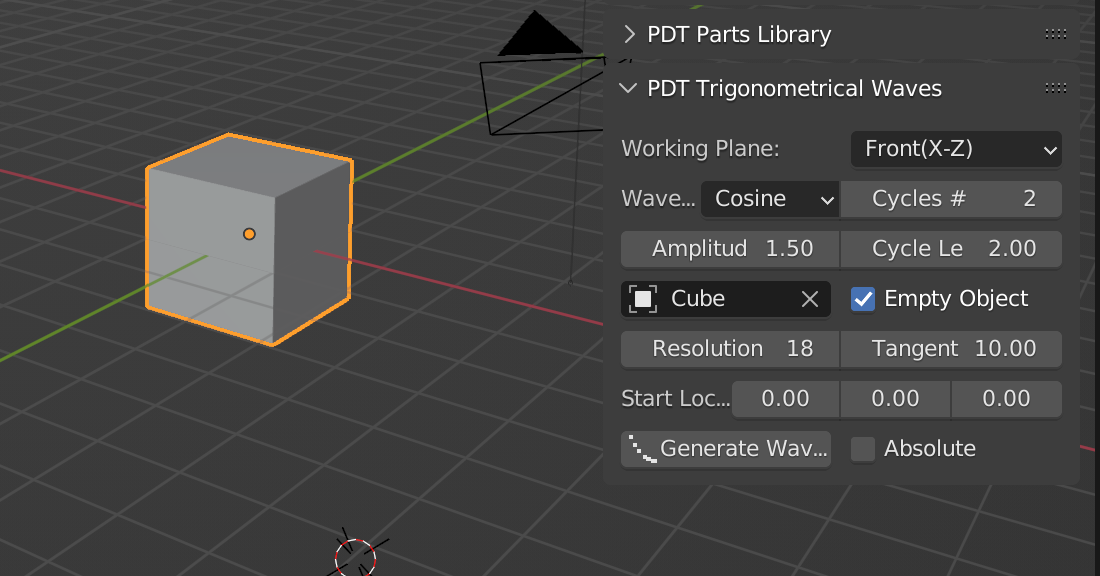
Vorher:
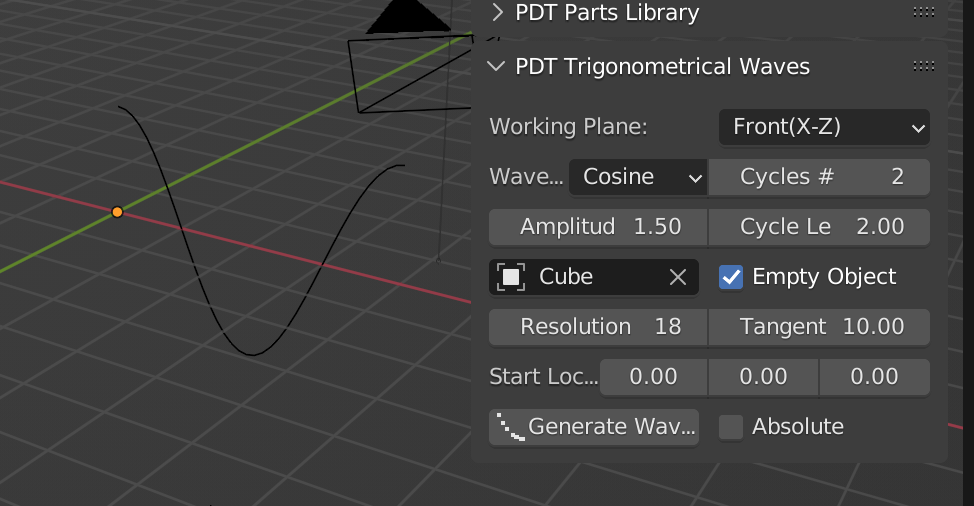
Nachher:
Nur „Absolute“ ( = positive) Werte einer Sinus-Kurve:
Tangens-Kurve, deren Maximum auf 5 begrenzt ist: