Introduction au système de fenêtres
After starting Blender and closing the Splash Screen, the Blender window should look similar to the image below.
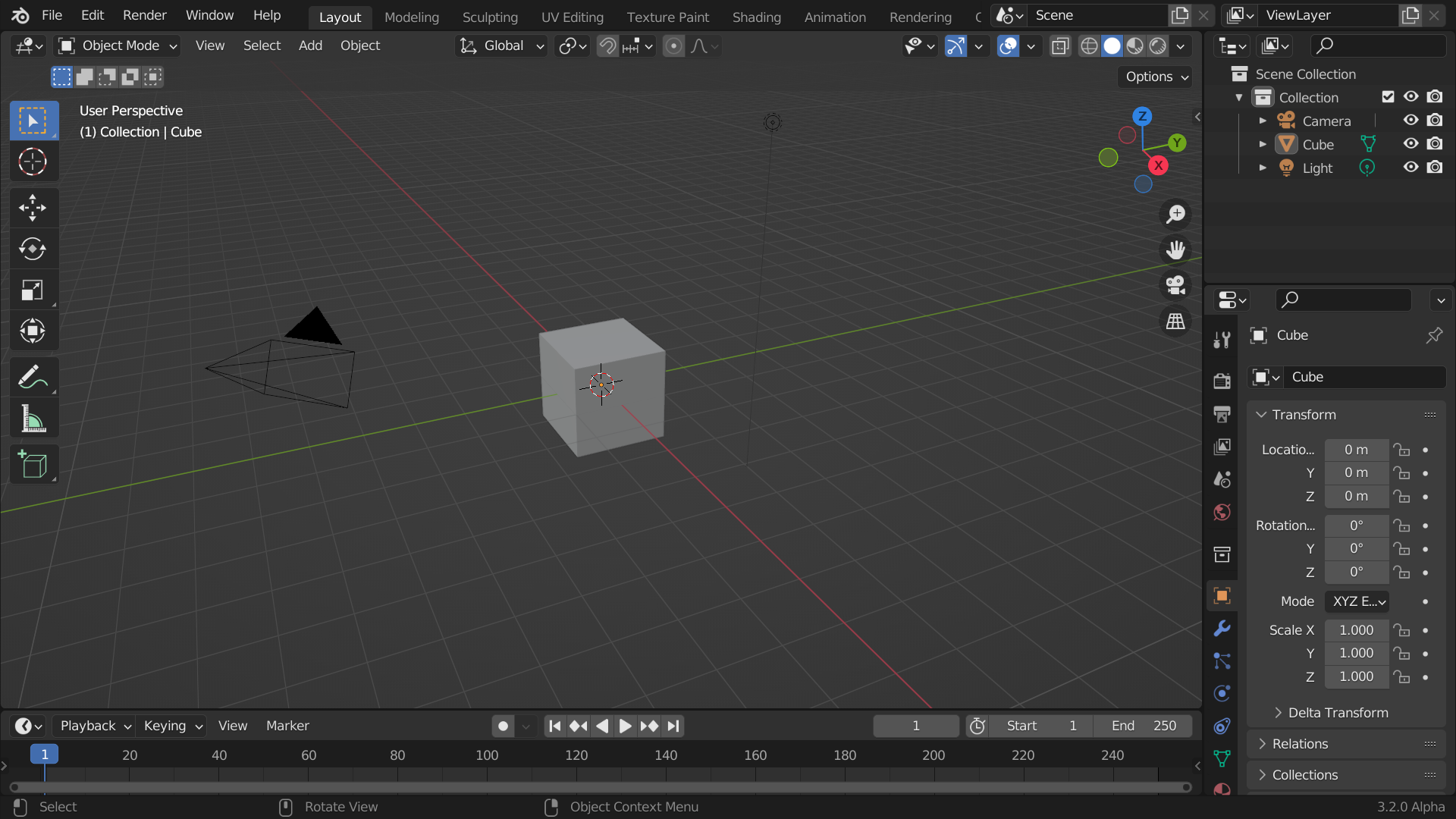
La fenêtre de démarrage par défaut de Blender.
L’interface de Blender est divisée en trois parties principales :
Barre du haut (Topbar) tout en haut.
Zones (Areas) au milieu.
Barre d’État (Status Bar) en bas.
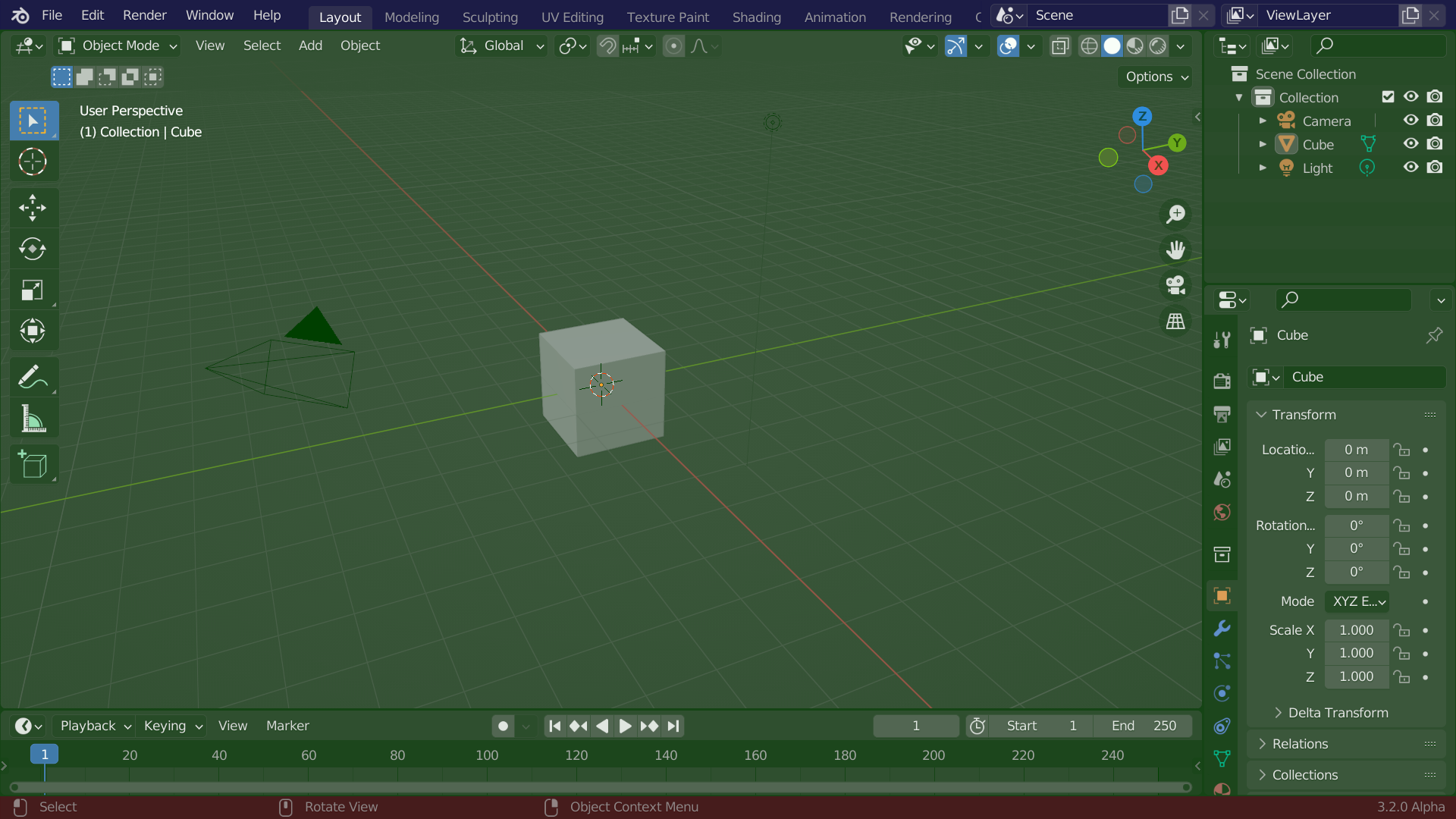
Disposition par défaut de l’écran de Blender. Barre du haut (Topbar) (bleu), Zones (Areas) (vert) et Barre d’État (Status Bar) (rouge).
Personnalisation
Blender fait également un usage intensif des raccourcis clavier pour accélérer le travail. Ceux-ci peuvent également être personnalisés dans Keymap Editor.
Couleurs du thème
Blender allows for most of its interface colors to be changed to suit the needs of the user. If you find that the colors you see on screen do not match those in the Manual, it could be that your default theme has been altered. Creating a new theme or selecting/altering a pre-existing one can be done by opening the Preferences and clicking on the Themes tab.