მიწოლა/მოქაჩვა (Push/Pull)
მითითება
- რეჟიმი (Mode):
ობიექტისა (Object) და რედაქტირების (Edit) რეჟიმები
- ხელსაწყო (Tool):
()
- მენიუ:
()

Push/Pull distance.
Moves the selected elements closer to (Push) or further away from (Pull) the pivot point, all by the same distance. You can control this distance by moving the mouse up or down, typing a number, or using the slider in the ბოლო ოპერაციის პარამეტრები (Adjust Last Operation) panel.
მაგალითები

Equidistant objects being pushed together.
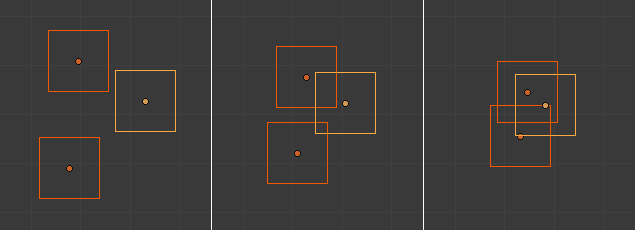
Random objects being pushed together.

Push (middle) vertices around the 3D cursor compared to Scale (right).