Connect Vertex Path
Referenz
- Modus:
Edit Mode
- Menü:
- Tastenkürzel:
J
Creates edges between vertices in the order they are selected, splitting faces along the way. Running the operator a second time closes the loop.
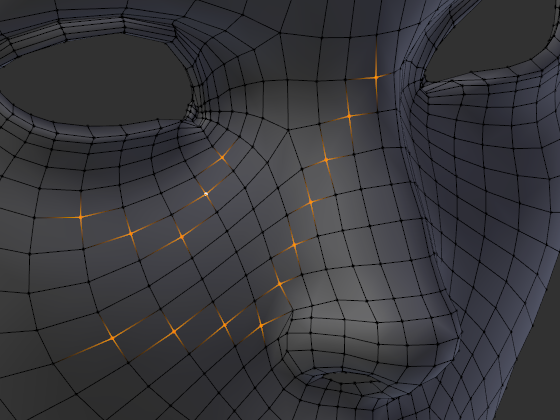
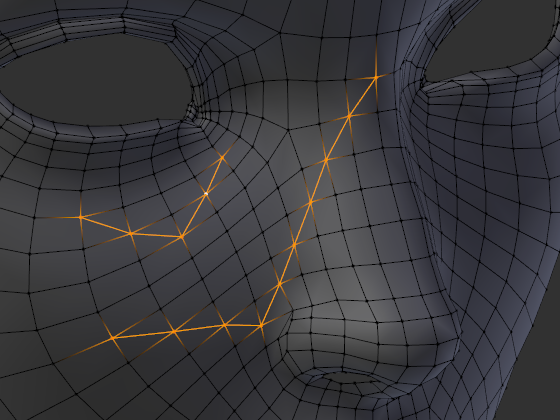

It’s also possible to create a path of edges along vertices that are isolated (not part of any edges or faces).
Siehe auch
The Knife Topology Tool offers a more interactive way of splitting faces. Unlike Connect Vertex Path, however, it makes cuts that are perfectly straight as seen from the current viewpoint.