Extrude to Cursor or Add
Referenz
- Modus:
Edit Mode
- Tastenkürzel:
Ctrl-RMB
Either creates a new vertex at the mouse cursor, or extrudes the selected vertices/edges up to the mouse cursor.
If nothing is selected, pressing Ctrl-RMB will create a vertex at the depth of the 3D Cursor.
If there are one or more selected vertices that are isolated (not connected to any edge or face), pressing Ctrl-RMB will extrude each one into an edge. The new vertices will be placed at the same depth from the current viewpoint as the original ones. In addition, the original vertices will be deselected and the new ones will be selected, so that this operation can be repeated to create chains of edges.
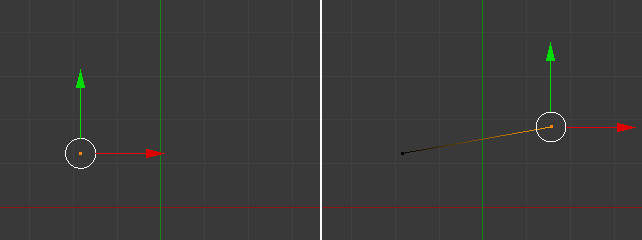
Extruding vertices into edges.
Finally, if there are two or more selected vertices that are connected by edges, pressing Ctrl-RMB will extrude them into faces.
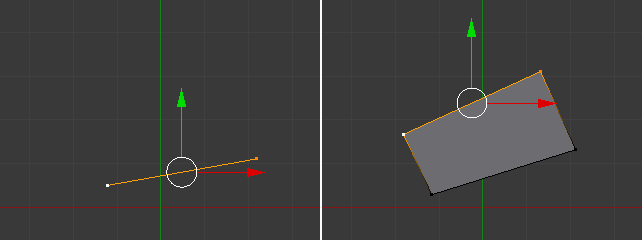
Extruding edges into faces.
The previously selected edges will be rotated to get a smoother result. If this is not desired, press Shift-Ctrl-RMB instead.
Tipp
When extruding, use a top or side view to stay within a global plane. For example, using the top view will ensure that the new vertices have the same global Z coordinate as the previous ones.