Separate (Afzonderen)
Reference (Referentie)
- Mode (Modus):
Edit Mode (Bewerkingsmodus)
- Menu:
- Shortcut (Sneltoets):
P
Splits the mesh into two or more new, separate mesh objects.
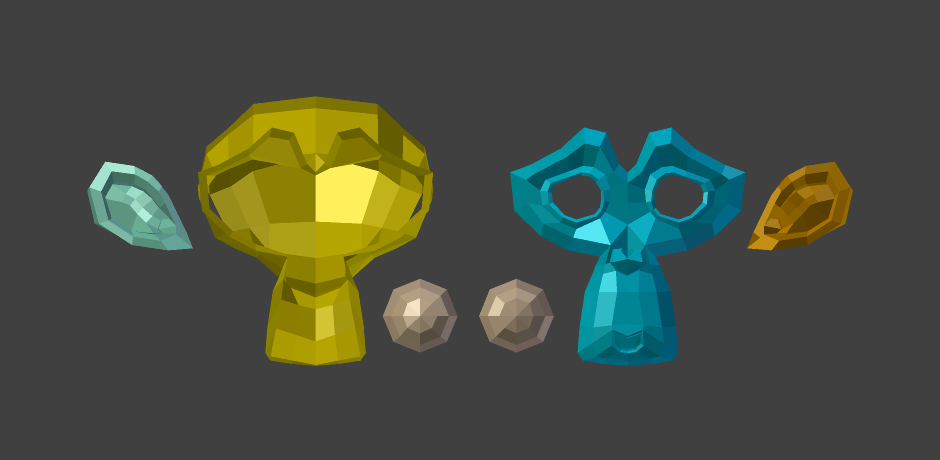
Suzanne netjes ontleed.
Options (Opties)
- Selection (Selectie)
Disconnects the selected geometry from its surroundings and moves it into a new object.
- By Material (Op Materiaal)
Splits the mesh into an object per material slot, each containing the faces using that material slot. This is done for the whole mesh regardless of the selection.
- By Loose Parts (Op losse Onderdelen)
Creates an object for every independent (disconnected) piece of the original mesh. This is done for the whole mesh regardless of the selection.
Zie ook
Split Selection for disconnecting geometry without moving it into a new object.
Join (Samenvoegen) for merging multiple objects into one.