Rip Region
Reference
- Tool:
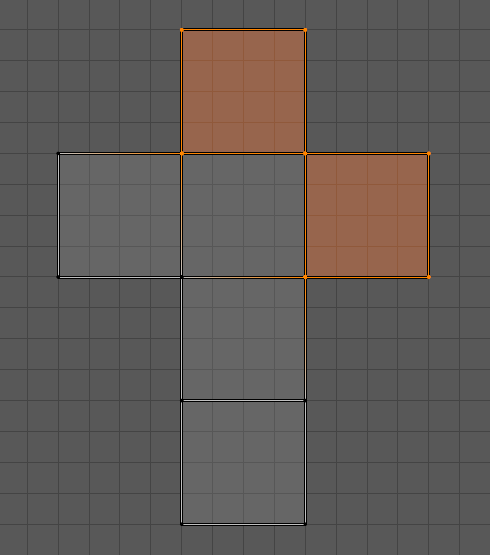
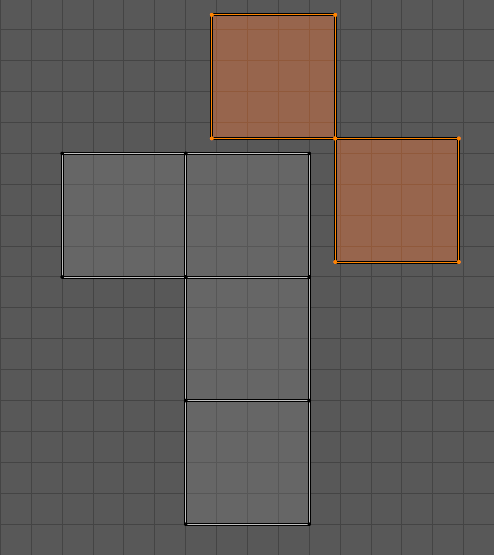
The Rip Region tool interactively separates selected UV elements (vertices, edges, or faces) from connected components, creating a “rip” in the UV map. After the separation, the selection can be moved in the direction of the mouse pointer, allowing the detached elements to be repositioned interactively.
This is useful for isolating UV islands or unwrapping overlapping elements without affecting surrounding geometry.
Note
The Rip Region tool is not compatible with Sync Selection. To use this tool, make sure Sync Selection is disabled in the UV Editor.
See also
Rip Move UV Operator – operator version of the rip operator.
Mesh editing Rip – Similar functionality for mesh editing in the 3D Viewport.