Skin Resize
Riferimento
- Modalità:
Modalità Modifica
- Menù:
- Scorciatoia:
Ctrl-A
Changes the X and Y skinning radii of the selected vertices for use with the Skin Modifier. (For meshes that don’t have this modifier, activating this operator does nothing.)
To change only one of the radii, press X or Y while the operator is active, or change a Scale X/Y property in the Regola Ultima Operazione panel.
The radii can also be adjusted in the Transform Panel in the Sidebar.
Nota
If the modifier is deleted, the skinning radii will be lost.
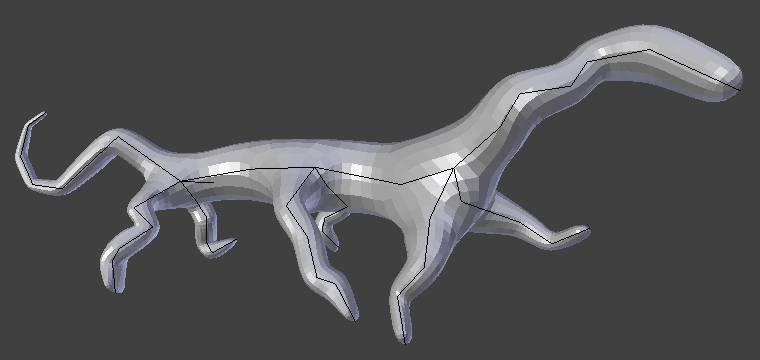
Simple creature, made with only the Skin and Subdivision Surface modifiers.