Rip Vertices
Riferimento
- Modalità:
Modalità Modifica
- Menù:
- Scorciatoia:
V
Cuts the mesh open along two neighboring edges of each selected vertex. The vertices can then be moved away using the mouse to create a hole. When they’re in the desired position, press LMB or Return to confirm. Alternatively, press RMB or Esc to leave them at their original position (but still disconnected).
When a single vertex is selected, the cutting direction is determined by the position of the mouse cursor. Otherwise, it’s determined by the orientation of the selected edge(s).
Nota
Rip Vertices doesn’t support «ripping out» entire faces from their surroundings. Use Split Selection instead.
Vedi anche
Split Faces by Edges only cuts along the selected edges, leaving surrounding unselected edges unchanged.
Esempi
Ripping a single vertex:
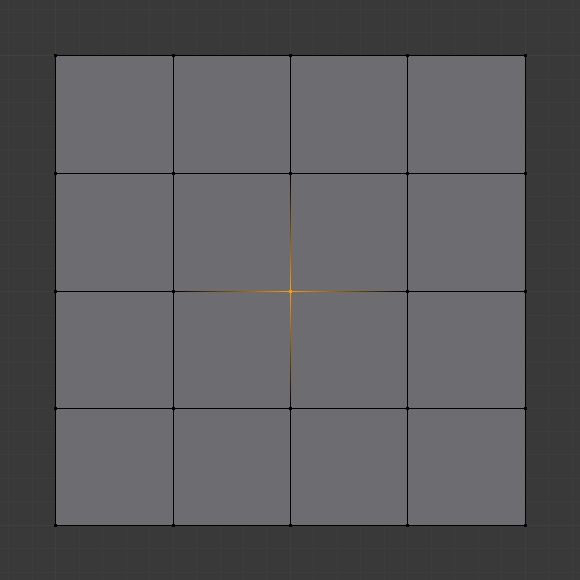
Mouse cursor to the right.¶ |
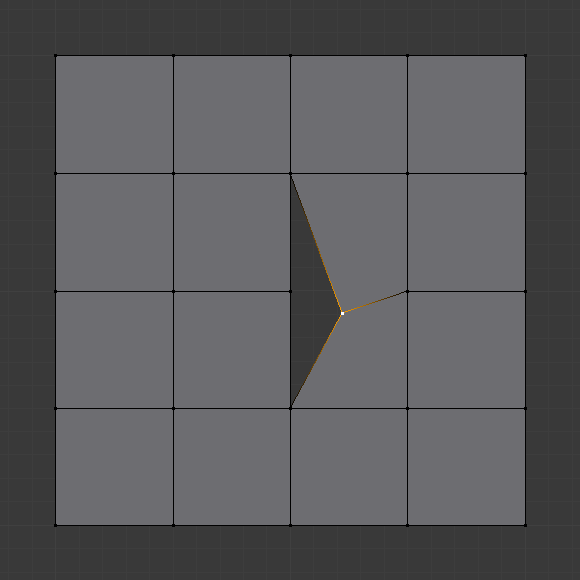
Ripping results in a vertical cut.¶ |

Mouse cursor below.¶ |

Ripping results in a horizontal cut.¶ |
Ripping vertices along edges in one direction:
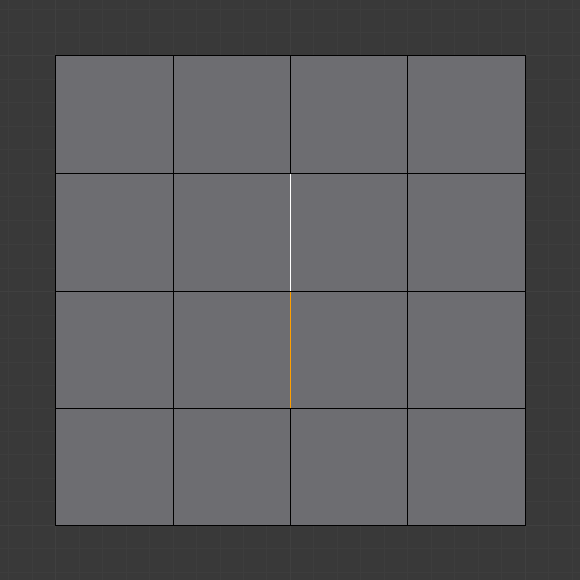
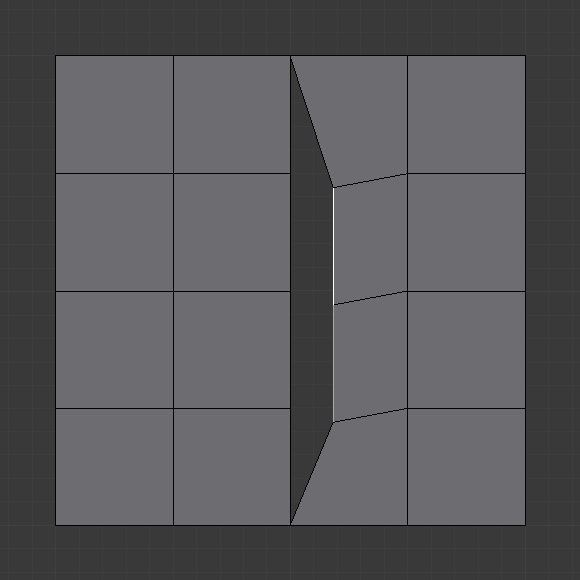
As a less common scenario, it’s also possible to cut in multiple directions:
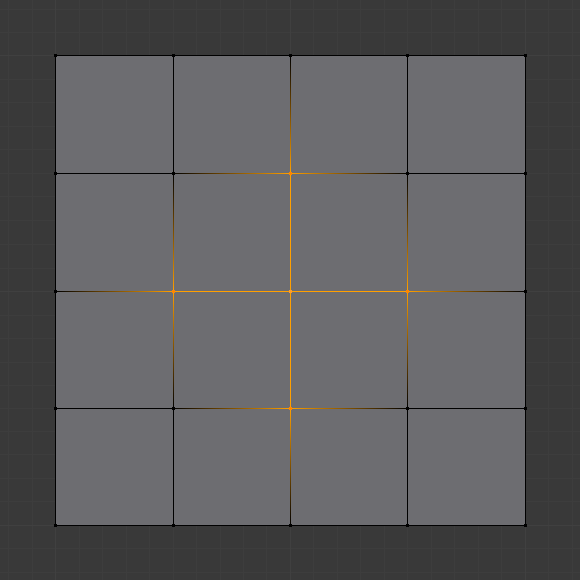
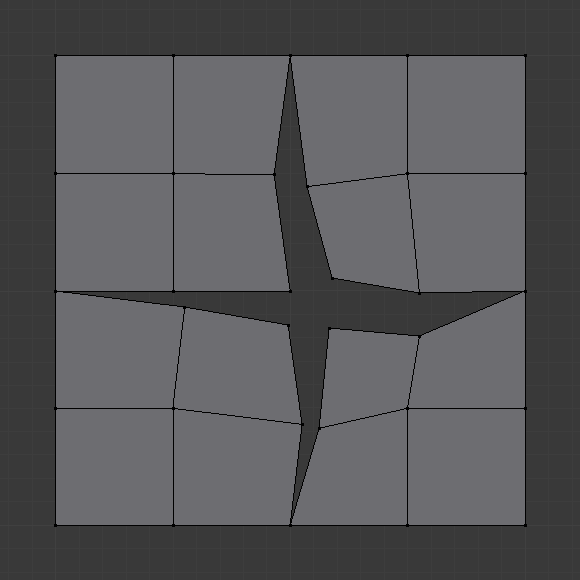
Ripping multiple disjoint «islands» of vertices, however, is not supported and will result in an error.