Rip Vertices and Fill
Reference
- Mode:
Edit Mode
- Menu:
- 단축키(hotkey):
Alt-V
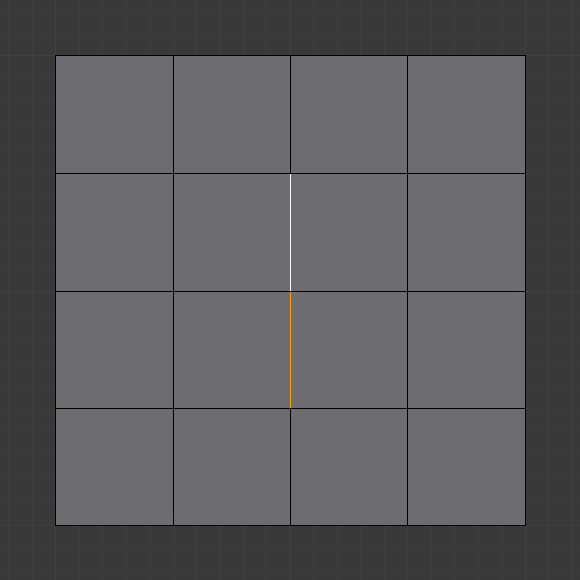
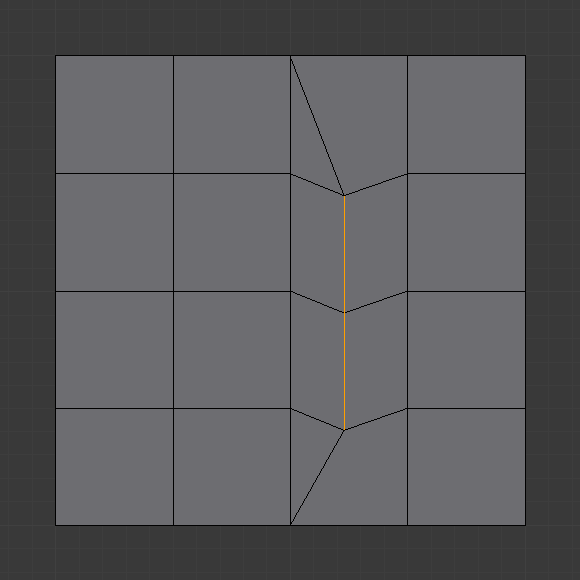
This tool does the same as Rip Vertices, but instead of leaving a hole, it fills the gap with new faces.
Reference
Edit Mode
Alt-V
This tool does the same as Rip Vertices, but instead of leaving a hole, it fills the gap with new faces.