Separate
Reference
- Mode:
Edit Mode
- Menu:
- 단축키(hotkey):
P
Splits the mesh into two or more new, separate mesh objects.
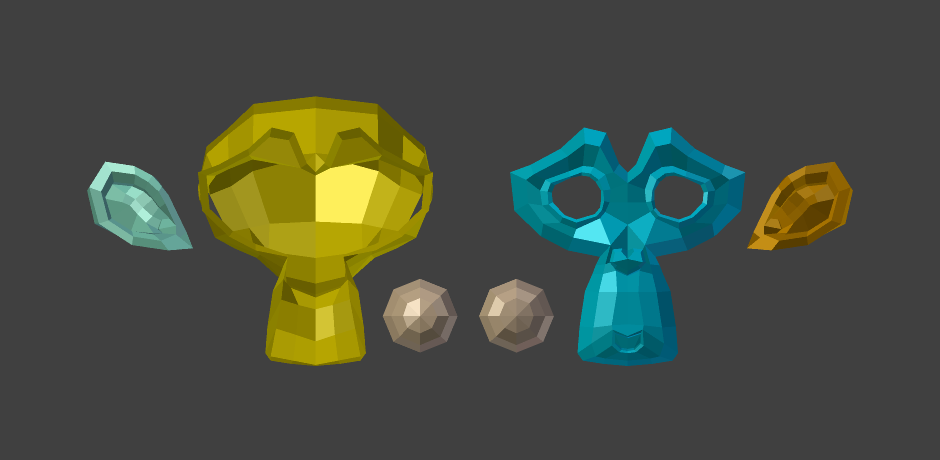
Suzanne dissected neatly.
Options
- Selection
Disconnects the selected geometry from its surroundings and moves it into a new object.
- By Material
Splits the mesh into an object per material slot, each containing the faces using that material slot. This is done for the whole mesh regardless of the selection.
- By Loose Parts
Creates an object for every independent (disconnected) piece of the original mesh. This is done for the whole mesh regardless of the selection.
더 보기
Split Selection for disconnecting geometry without moving it into a new object.
Join for merging multiple objects into one.