Solidify Faces (Vlakken Verdikken)
Reference (Referentie)
- Mode (Modus):
Edit Mode (Bewerkingsmodus)
- Menu:
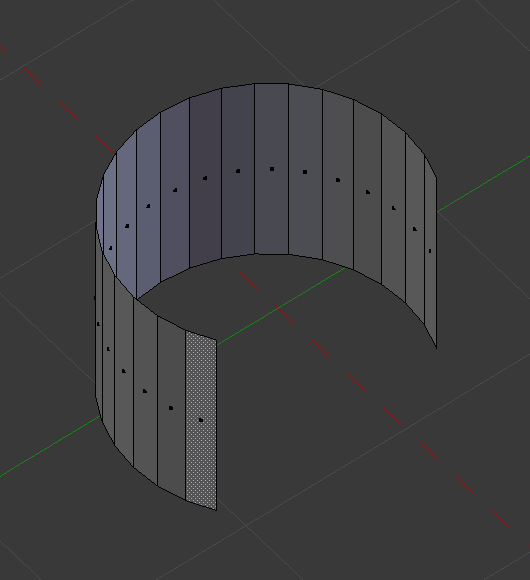
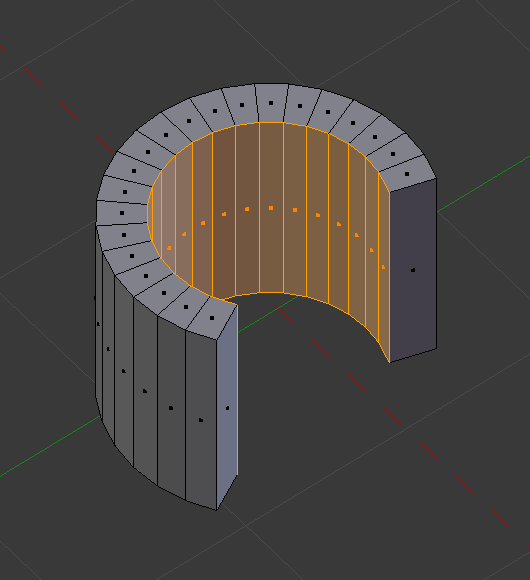
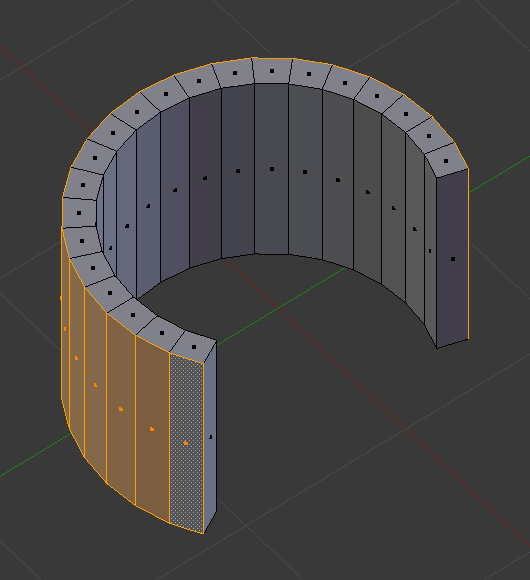
Extrudes the selected faces, turning them from an infinitely thin surface into a manifold mesh with volume.
The thickness can be changed in the Adjust Last Operation (Laatste operatie aanpassen) panel:
- Thickness (Dikte)
Amount to offset the newly created surface. Positive values move inward relative to the face normals. Negative values move outward.
Zie ook
The Solidify Modifier does this non-destructively and has many more options.