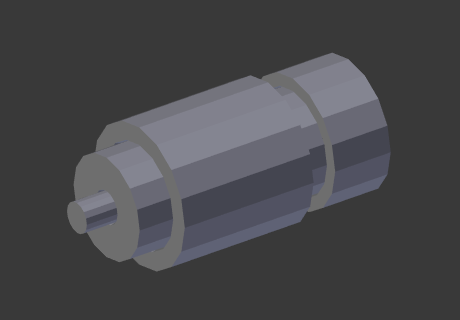
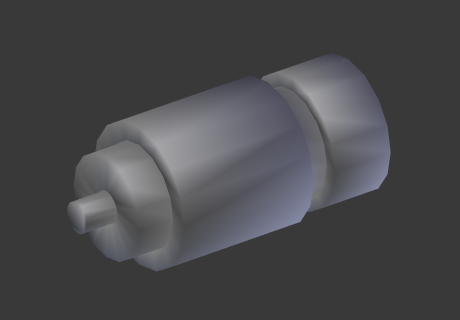
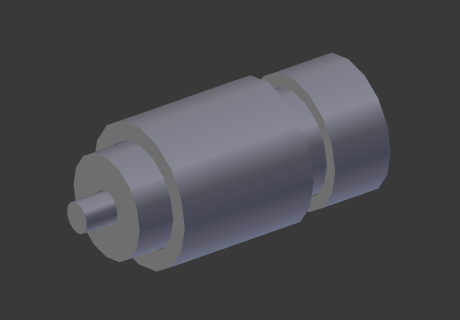
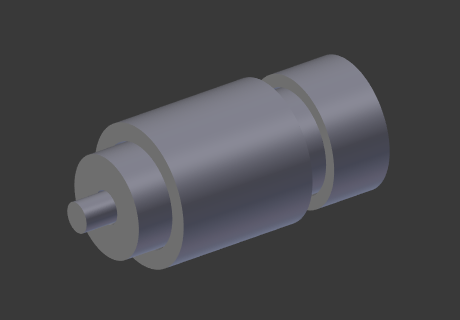
Edge Split Modifier
The Edge Split modifier splits, duplicates edges within a mesh, breaking “links” between faces around those split edges.
The edges to split can be determined from the edge angle (i.e. angle between faces forming that edge), and/or edges marked as sharp.
La divisió d’una aresta afecta la generació de normals de vèrtex en aquesta aresta, tot fent que l’aresta sembli cantelluda. També es pot utilitzar per a controlar manualment el procés de suavitzat, on la usuària defineix quines arestes haurien d’aparèixer suavitzades o cantelludes (vegeu Suavitzat de malla per veure altres maneres de fer-ho). Si es desitja, tots dos modes poden estar actius alhora.
Nota
This modifier is kept mostly for historical/compatibility reasons. Everything it can do in shading, and much more, can now be achieved using custom normals.
Unless you really need the topology changes it generates, it is not advised to use it in new projects.
Nota
Splitting edges can also be performed manually in Edit Mode.
Opcions

The Edge Split modifier.
- Angle d’aresta
When enabled, an edge will be split if the angle between its two adjacent faces is greater than the Split Angle.
- Split Angle
On 0: all edges are split. On 180: no edges are split.
- Cantells aguts
When enabled, edges will be split if they were marked as sharp.
Nota
Non-manifold edges will always be split.