Escalar
Referència
- Mode:
Modes objecte i edició
- Menú:
- Drecera:
S
Scaling means changing proportions of objects. Pressing S will enter the Scale transformation mode where the selected element is scaled inward or outward according to the mouse pointer’s location. The element’s scale will increase as the mouse pointer is moved away from the Pivot Point and decrease as the pointer is moved towards it. If the mouse pointer crosses from the original side of the Pivot Point to the opposite side, the scale will continue in the negative direction and flip the element.
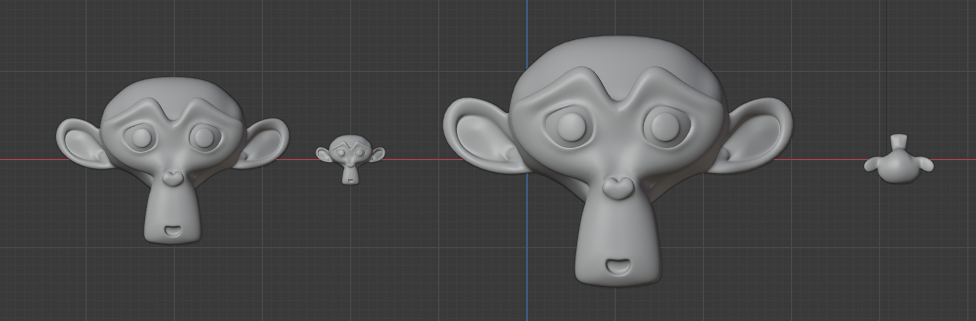
Basic scale usage. From left to right, the panels show: the original object, a scaled down object, a scaled up object and a scale-flipped object.
The amount of scaling will be displayed in the header of the 3D Viewport.

Scale values.
Vegeu també
Using a combination of shortcuts gives you more control over your transformation. See Transform Control.
Opcions
- Escala X, Y, Z
The amount to resize the selection on the respected axis.
- Orientació
Alinea els eixos de transformació a una restricció d’orientació especificada. Vegeu Orientacions de transformació per a més informació.
- Edició proporcional
La cara extrudida afectarà la geometria propera. Vegeu Edició proporcional per a una referència completa.