Grid Fill
Referência
- Mode:
Edit Mode
- Menu:
Generates a grid of quads. Two types of input are supported:
If a (roughly) rectangular loop of edges is selected – or just two opposing sides of such a loop – it generates a grid inside those edges.
If a (roughly) rectangular patch of faces is selected, it generates a grid replacing those faces.
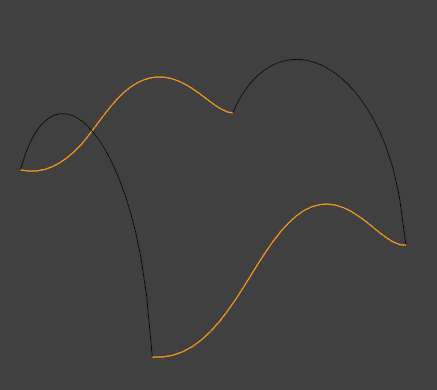
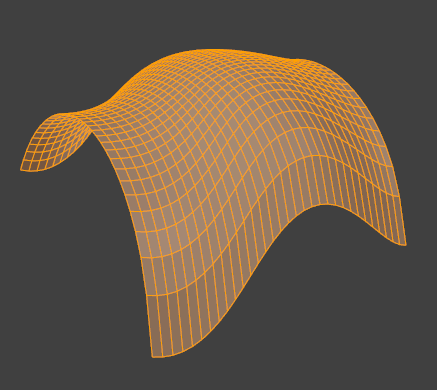
The operator gives the best results if each pair of opposing sides has the same number of vertices. However, this is not required.
Opções
- Span
The number of columns in the grid. (The number of rows is calculated automatically based on this.)
- Deslocamento
Determines which vertex is the first corner of the grid. By default, this is the active vertex. Use this to rotate the grid layout.
- Simple Blending
Use a simpler interpolation algorithm for generating grid geometry. This method is better suited for flat surfaces or cases where preserving curvature gives undesirable results.
Dica
Blender may give an error such as «Loops are not connected by wire/boundary edges.» The «loops» here can be confusing as it is Blender terminology for «chains,» not «closed loops.» As such, this error really means «The selected edge chains are not connected to each other; please create more edges to form a closed loop.»
Veja também