Biseccionar
Referencia
- Modo:
Modo Edición
- Herramienta:
- Menú:
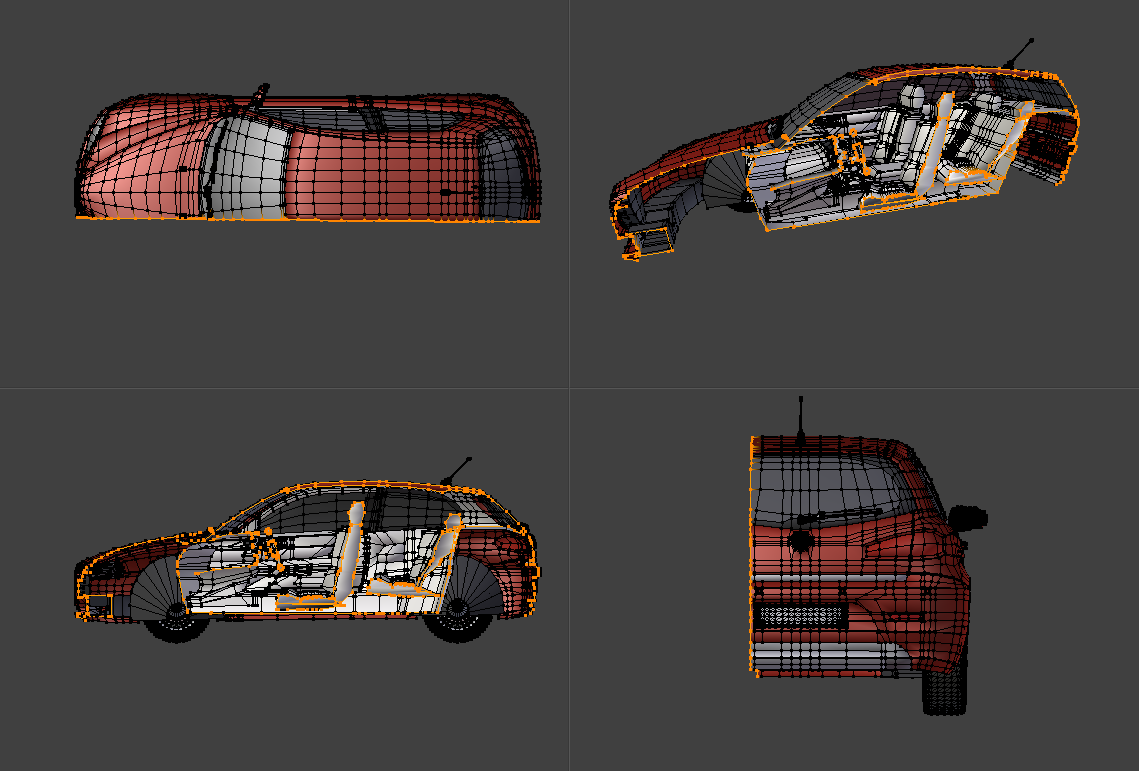
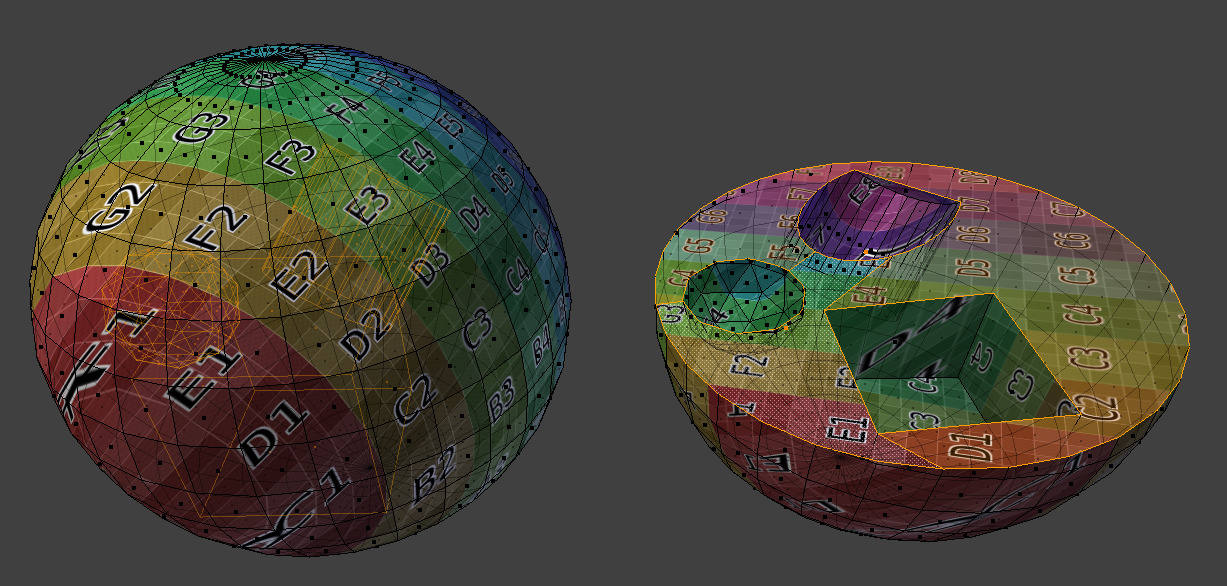
The Bisect tool cuts the selected geometry in two using an infinitely large plane.
Uso
Orient the view so that the cutting plane will appear as a line (for example, the Top view when cutting the mesh into left and right halves). Then activate the tool and drag the cutting line using LMB. While dragging, the following shortcuts are available (also shown in the status bar):
- Mover Espacio
Cambia la ubicación de la línea.
- Adherir Ctrl
Restringe la rotación de la línea a intervalos de 15 grados.
- Invertir F
Changes which side of the plane is seen as the «outer» side. This is later used with the Fill and Clear Inner/Outer options.
Opciones
Después de arrastrar la línea, una flecha amarilla mostrará la dirección hacia el lado «exterior» y las siguientes opciones estarán disponibles en el panel Ajustar última operación:
- Punto del plano, Normal del plano
El plano se puede ajustar numéricamente para valores precisos.
- Rellenar (o Relleno)
Create new faces along the cutting plane to cover up any holes left by Clear Inner/Outer. Materials, UV coordinates, and Color Attributes are assigned based on the surrounding geometry.
- Clear Inner/Outer
Delete any geometry on the «inner»/»outer» side of the cutting plane. Note that this also affects geometry that was not originally selected.
- Umbral de eje
Any vertices closer to the cutting plane than this threshold will be reused. For the rest of the mesh, new vertices and edges are created.