Viewport Render(ビューポートレンダー)
Viewport rendering lets you create quick preview renders from the current viewpoint (rather than from the active camera, as would be the case with a regular render).
Viewport Render(ビューポートレンダー) は、静止画とアニメーションのどちらでもレンダリングできます。
以下は、Viewport Render(ビューポートレンダー) と Cycles レンダラー による最終レンダリングの比較です。
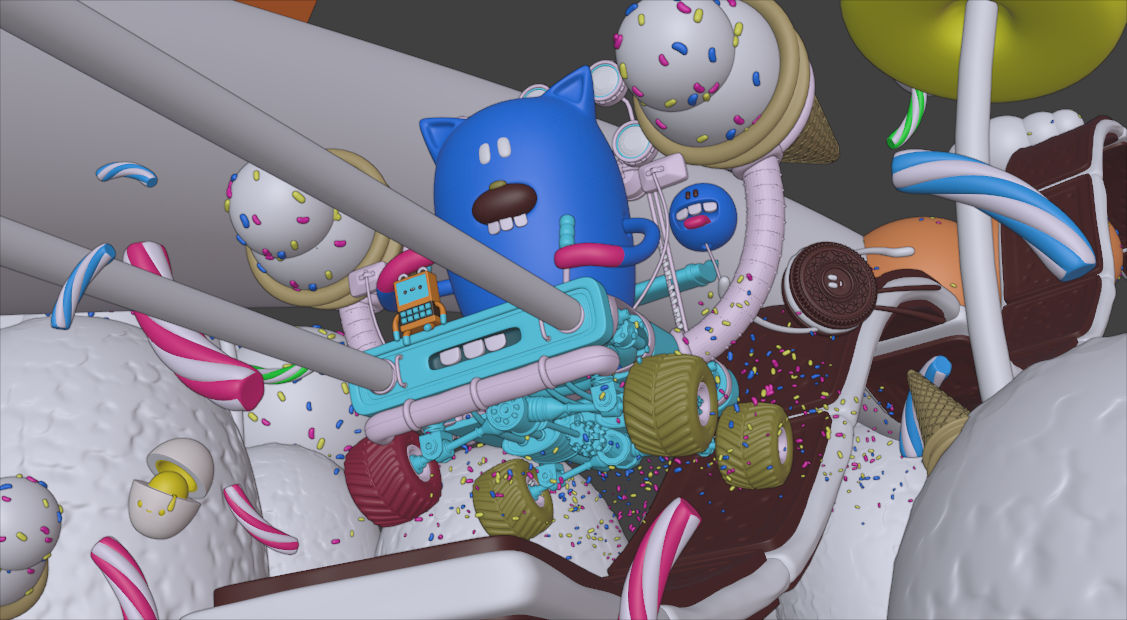
Solid Mode(ソリッドモード)での Viewport Render(ビューポートレンダー) 。¶ |
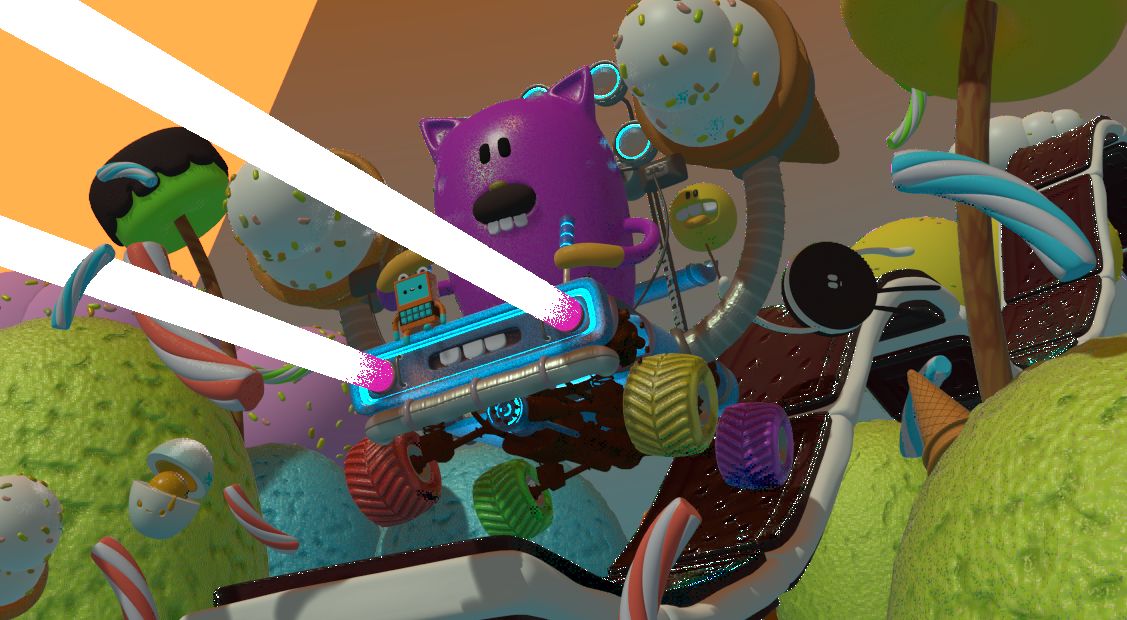
Material Preview(マテリアルプレビュー) モードでの Viewport Render(ビューポートレンダー) 。¶ |

Full Render(フルレンダー) 。¶ |
注釈
Viewport rendering only works for the Workbench and EEVEE render engines. It's not supported for Cycles.
Tip
Disable overlays to get a render without "clutter" like rigs, empties and so on.
設定
For the most part, Viewport Render uses the current viewport settings. Some settings are located in the properties of the render engine that is used to render the view.
Solid mode uses the render settings of Workbench; Material Preview mode uses the render settings of EEVEE.
Additionally, some output settings are used too:
Resolution(解像度)
Aspect(アスペクト)
Output path
File format
Rendering(レンダリング)
Activating Viewport Render will render from the current active view. This means that if you are not in an active camera view, a virtual camera is used to match the current perspective. To get an image from the camera point of view, enter the active camera view with Numpad0.
通常のレンダリングと同様に、 Esc で中止することができます。
- 静止画のレンダー
To render a still image, use .
- 動画のレンダー
To render an animation, use .
- キーフレームのレンダー
To render an animation, but only those frames that have a keyframe, use . This only renders those frames for which the selected objects have an animation key. The other frames are still written to the output, but will simply repeat the last-rendered frame.
For example, when a six-frame animation is rendered, and the selected objects have a key on frames 3 and 5, the following frames will be output:
The 1st frame is always rendered.
The 1st frame is repeated because there is no key on this frame.
The 3rd frame is rendered.
このフレームにはキーがないため、3番目のフレームが繰り返されます。
The 5th frame is rendered.
The 5th frame is repeated because there is no key on this frame.
Tip
Render Regions(レンダー領域) を使用すると、特定の領域のみをビューポートレンダリングすることができます。