Shader Editor(シェーダーエディター)
The Shader Editor is used to edit materials which are used for rendering. Materials used by Cycles and EEVEE are defined using a node tree. Therefore, the main window of the Shader editor is a node editor.
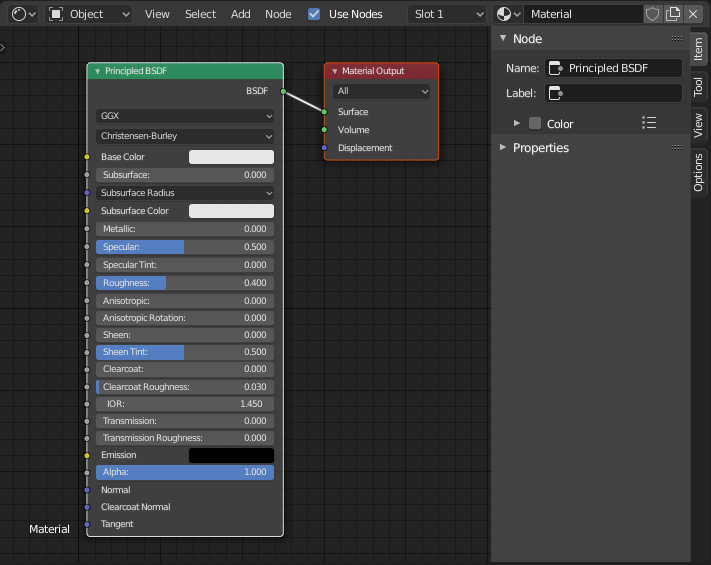
デフォルトのマテリアルノードが表示されているShader Editor(シェーダーエディター)。
全ての シェーダーノード のリストはレンダリングの章で見ることが出来ます。
ヘッダー
- Shader Type
The type of data whose shader nodes are being edited:
- Object(オブジェクト):
Edit shader nodes for the active object's Material.
- World(ワールド):
Edit shader nodes for the World background.
- Line Style:
Edit shader nodes for Freestyle Line Styles
- Use Nodes Line Style
Use shader nodes to define the texture for the freestyle line style.
- Slot(スロット)
Slot(スロット) メニューで、アクティブオブジェクトの、アクティブな マテリアルスロット を選択します。その右側にあるマテリアルセレクタでは、選択したスロットのマテリアルを変更します。
- / Pinned
Keeps the current material selection visible in the Shader editor even when another object or material is selected elsewhere.