Beautify Faces(面を最適化)
参照
- Mode(モード):
Edit Mode(編集モード)
- Menu(メニュー):
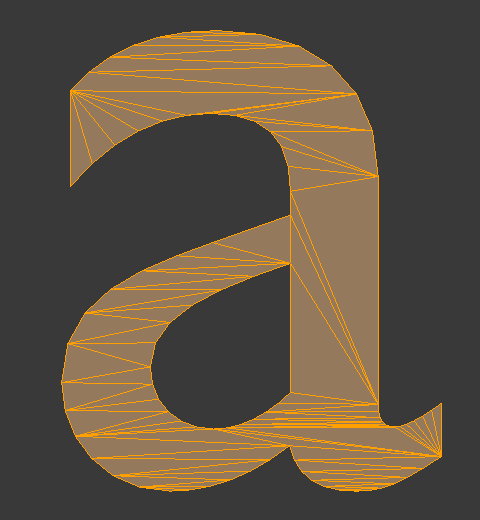
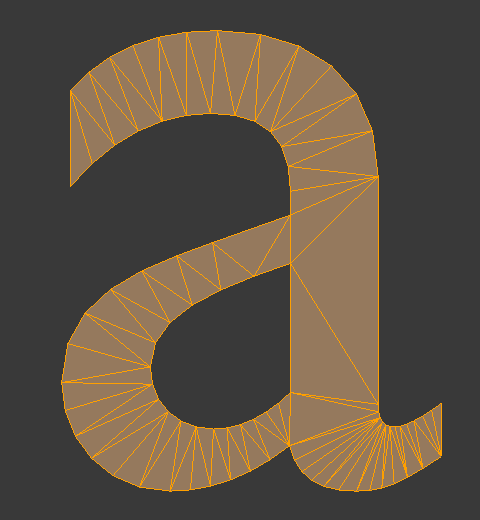
Rearranges the selected faces to obtain cleaner topology.
Options(オプション)
- Max Angle(最大角度)
Maximum allowed angle between face normals (meaning that two faces that lie in the same plane are considered to have an angle of 0°, not 180°). If an edge lies between two faces that exceed this angle, it will not be changed.