Nút Sắc Màu/Độ Bão Hòa/Giá Trị (Hue/Saturation/Value Node)
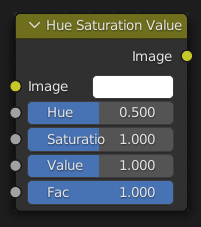
The Nút Sắc Màu/Độ Bão Hòa/Giá Trị (Hue/Saturation/Value Node) áp dụng một màu sắc biến hóa trong Hue, Saturation, Value: Sắc Màu, Độ Bão Hòa, Giá Trị Color Model (Mô Hình Màu).
Đầu Vào (Inputs)
- Hình Ảnh [Image/Color]
Đầu vào màu tiêu chuẩn.
- Hue (Sắc Màu)
The hue rotation offset, from 0 (-180°) to 1 (+180°). Note that 0 and 1 have the same result.
- Saturation (Độ Bão Hòa)
Giá trị 0 sẽ loại bỏ màu khỏi hình ảnh, làm cho hình ảnh có màu đen trắng. Giá trị lớn hơn 1.0 sẽ làm tăng độ bão hòa
- Value (Giá Trị)
The value shift. 0 makes the color black, 1 keeps it the same, and higher values make it brighter.
- Hệ Số (Factor)
Mức độ ảnh hưởng của nút tác động lên hình ảnh
Đầu Ra (Outputs)
- Hình Ảnh [Image/Color]
Đầu ra màu sắc chuẩn.
Một Số Gợi Ý về Sắc Thái/Độ Bão Hòa (Hue/Saturation Tips)
Một số điều cần ghi nhớ để có thể giúp bạn sử dụng nút này tốt hơn:
- Hues are laid out on a circle
If you apply a Hue offset of 1 (+180°) to a blue image, you get the diametrically opposite color, which is yellow. If you apply a Hue offset of 1 to that yellow image, you get blue again.
- Grayscale images have no hue
Trying to change the Hue or Saturation of a grayscale image has no effect. You can only brighten or darken it by adjusting the Value. To add color, use the Mix node instead.
- Thay đổi ảnh hưởng theo thời gian (Changing the effect over time)
The different giá trị có thể be hoạt họa using một "Đường Cong Thời Gian" nút hoặc bởi/theo sắp đặt số/khung khóa.
Ví dụ về HSV (HSV Example)
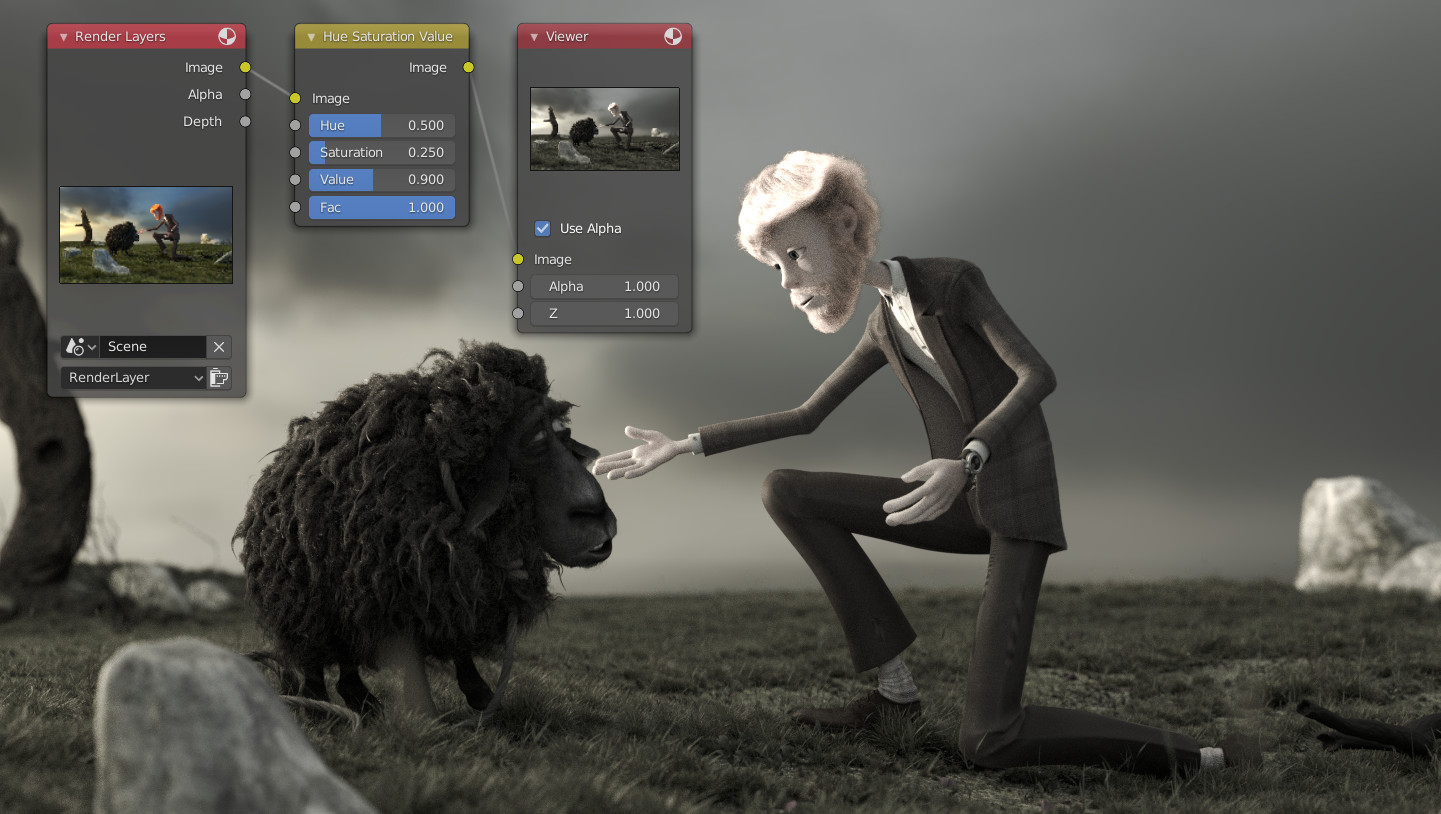
Một ví dụ, cơ bản.
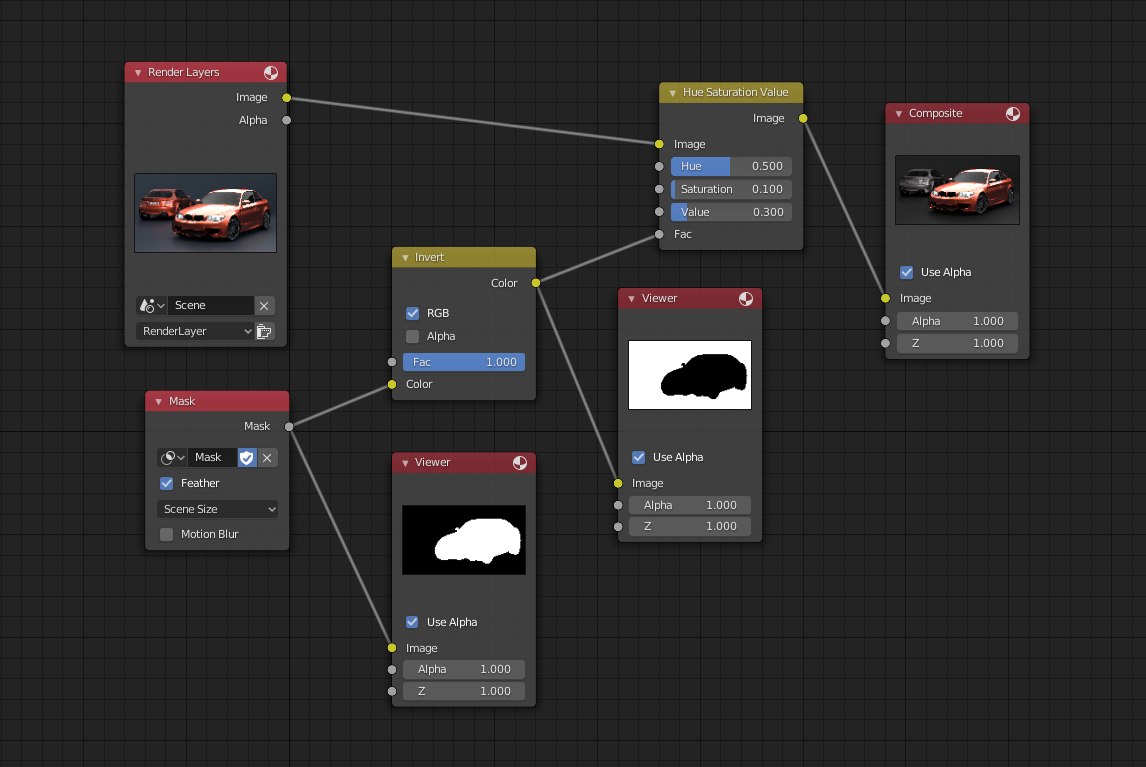
Một ví dụ, về cách sử dụng Hệ Số đầu vào cho quá trình chắn lọc.