Redimensionar forro
Referencia
- Modo:
Modo Edición
- Menú:
- Atajo:
Ctrl-A
Changes the X and Y skinning radii of the selected vertices for use with the Modificador Forrar. (For meshes that don’t have this modifier, activating this operator does nothing.)
To change only one of the radii, press X or Y while the operator is active, or change a Scale X/Y property in the Ajustar última operación panel.
The radii can also be adjusted in the Panel de Transformación in the Sidebar.
Nota
If the modifier is deleted, the skinning radii will be lost.
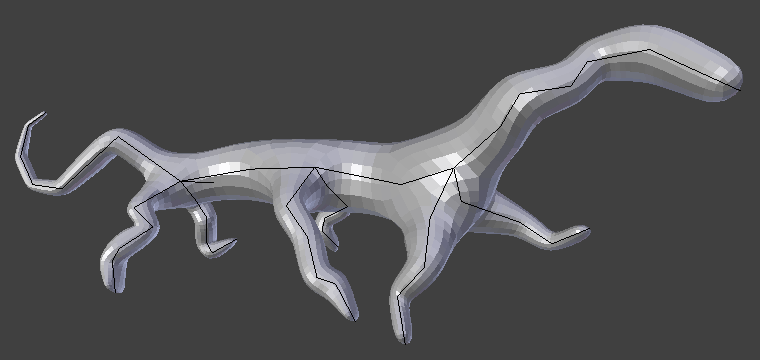
Criatura simple, creada únicamente con los modificadores Forrar y Subdividir superficie.