Изменить размер оболочки (skin resize)
Ссылка
- Режим (mode):
Режим редактирования (edit mode)
- Меню:
- Горячая клавиша:
Ctrl-A
Changes the X and Y skinning radii of the selected vertices for use with the Модификатор «Оболочка» (skin modifier). (For meshes that don’t have this modifier, activating this operator does nothing.)
To change only one of the radii, press X or Y while the operator is active, or change a Scale X/Y property in the Настроить последнюю операцию (adjust last operation) panel.
The radii can also be adjusted in the Панель «Трансформировать» in the Sidebar.
Примечание
If the modifier is deleted, the skinning radii will be lost.
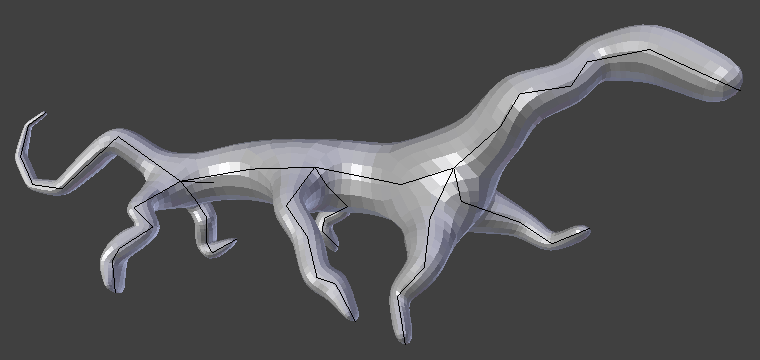
Простое существо, созданное только с использованием модификаторов Skin и Subdivision Surface.