Mask Node – Вузол «Маск໶
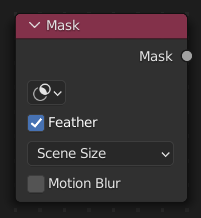
Вузол Mask – «Маска» може використовуватися для вибору блоку даних маски – Mask data-block. Цей вузол може використовуватися з іншими вузлами, наприклад Invert, Multiply або Mix, чи використовуватися як увід фактора.
Inputs – Уводи
- Feather – Розтушовка
Використовує або ігнорує точки розтушовки, визначені для сплайнів, про що детальніше дивіться Mask Feathers.
- Size Source
Where to get the mask size from for aspect/size information.
- Scene Size – Розмір Сцени:
Will give an image the size of the render resolution for the scene, scaling along when rendering with different resolutions.
- Fixed – Фіксовано:
Gives a fixed size in pixels.
- Fixed/Scene:
Gives a size in pixels that still scales along when changing the render resolution percentage in the scene.
Motion Blur – Розмив Рухом
For animated masks, creating a motion blurred mask from the surrounding frames.
- Samples – Вибірки
Number of motion blur samples. Higher values result in smoother and more accurate blur, but increase processing time.
- Shutter – Затвор
Duration of the motion blur in seconds, corresponding to the exposure time simulated for each frame.
Властивості
- Masks – Маски
Вибираний блок даних маски. Якщо ця позначка залишається порожньою, то буде задано ім’я маски.
Outputs – Виводи
- Маска
Чорно-білий вивід маски.
Приклад
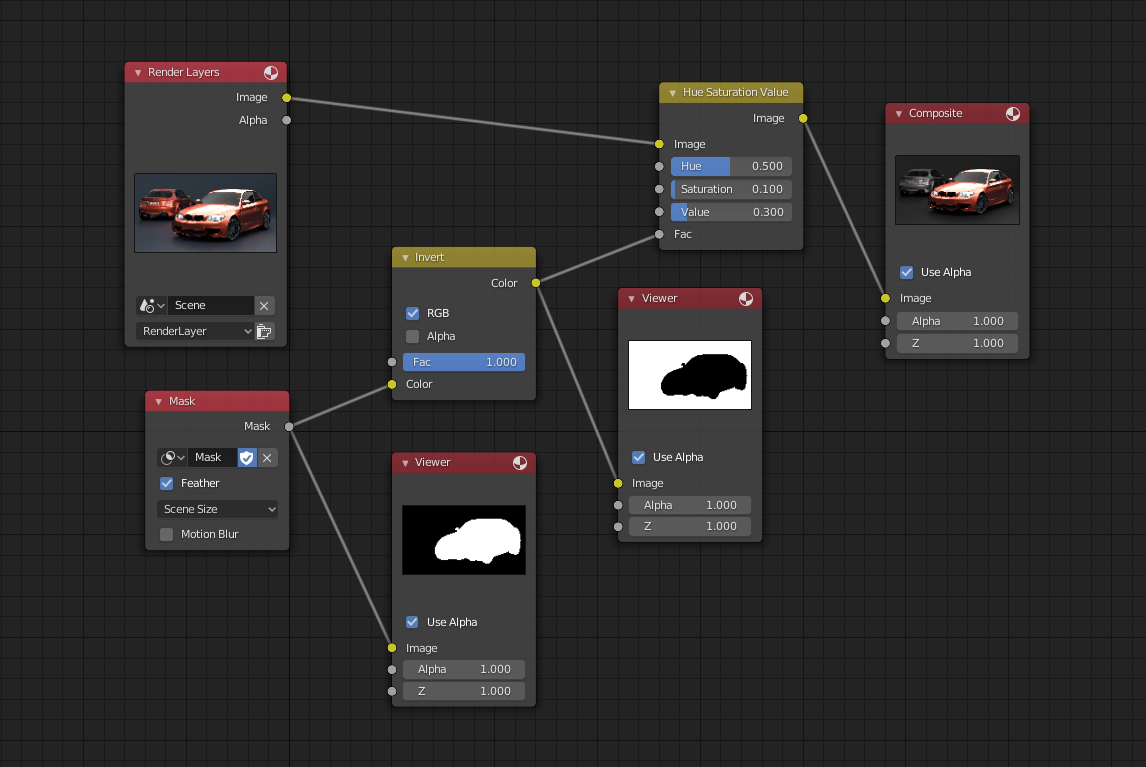
Приклад вузла Mask – «Маска».
У прикладі нижче вузол Mask використовується для ізолювання об’єкта від фону для уберігання його від корекції.