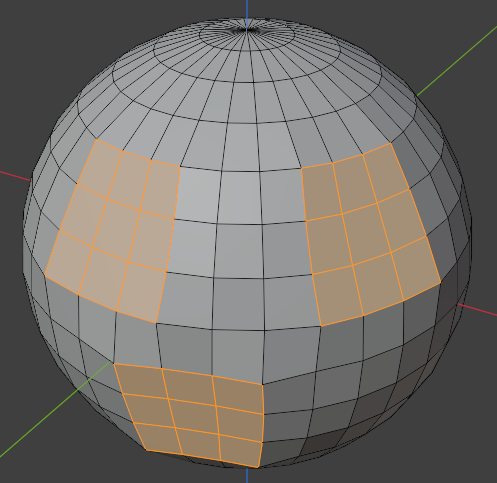
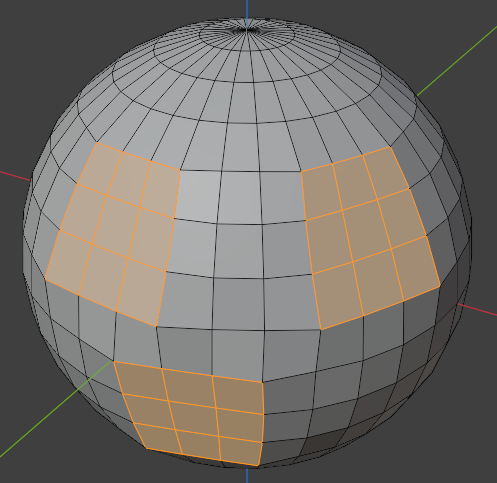
Flatten – Сплощення
Посилання
- Режим:
Режим Редагування
- Меню:
Flatten selected vertices onto a plane.
The operator calculates a target plane and moves vertices toward it while preserving their relative positions along the unlocked axes.
Опції
- Factor – Фактор
Strength of the flatten operation.
A value of
1fully flattens the selection onto the target plane, while lower values partially move vertices toward the plane.- Method – Метод
Method used to determine the flattening plane.
- Best Fit:
Calculates a plane that best fits the selected vertices.
- Нормальний:
Derives the plane from the averaged normals of the selected faces.
- Огляд:
Uses a plane perpendicular to the current view direction.
- Lock – Блокування
Prevents movement along selected axes while flattening.
This can be used to constrain the flatten operation to specific directions.