Skin Resize
Посилання
- Режим:
Режим Редагування
- Меню:
- Скорочення:
Ctrl-A
Changes the X and Y skinning radii of the selected vertices for use with the Модифікатор «Покрив» – Skin Modifier. (For meshes that don’t have this modifier, activating this operator does nothing.)
To change only one of the radii, press X or Y while the operator is active, or change a Scale X/Y property in the Наладнати Останню Операцію – Adjust Last Operation panel.
The radii can also be adjusted in the Панель «Трансформа» – Transform Panel in the Sidebar.
Примітка
If the modifier is deleted, the skinning radii will be lost.
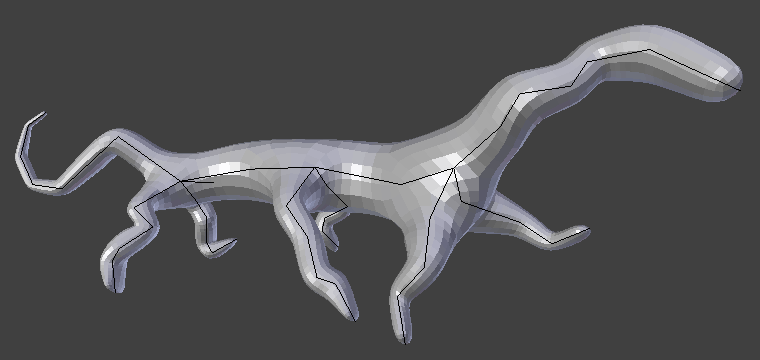
Просте створіння, зроблене лише з модифікаторами Skin та Subdivision Surface.